




If you have a free weekend and an app idea, this guide is for you. Building an app no longer requires a developer, a six-month timeline, or a five-figure budget. In 2026, anyone with a clear idea and a spare afternoon can go from a blank screen to a live, working app using AI-powered no-code tools. Platforms like Replit, Bubble, Lovable, Glide, and Thunkable let you describe what you want in plain English and watch the AI build it for you, no technical background needed, no coding required.
This article is for beginners, entrepreneurs, and freelancers who have an app idea sitting in their head and no idea how to make it real. By the time you finish reading, you will know exactly which tool to use, how to use it, and how to go live within two hours.
Not long ago, building an app meant hiring a developer, explaining your vision to someone else, waiting weeks for a prototype, paying for revisions, and hoping the final product matched what you had imagined. For most small business owners and first-time founders, that process was either too expensive or too slow to bother with.
No-code changed the first part of that problem by letting non-technical people build apps through drag-and-drop interfaces. AI has now solved the rest.
A no-code AI app builder is a platform where you describe what you want in plain language, “I want a booking app for my salon with a calendar, client login, and payment option,” and the AI generates the entire structure for you. The interface, the database, the logic, the user flows. You refine it by typing follow-up instructions the same way you would chat with someone. No code is written by you at any point.
The results are real. No-code adoption delivers 90% faster development times and a 362% average ROI compared to traditional development. 63% of AI app builder users have no coding background, meaning the majority of people using these tools right now are not developers. They are exactly the kind of person reading this article.
Here is the shift that changes everything for small business owners and solo founders: software is no longer something you buy or hire someone to build. It is something you create yourself, on demand, tailored exactly to your needs.
The numbers behind this movement are staggering:
What this means practically: the gap between having an idea and having a live product has collapsed. Two hours is not an exaggeration — it is what these platforms were built to deliver.
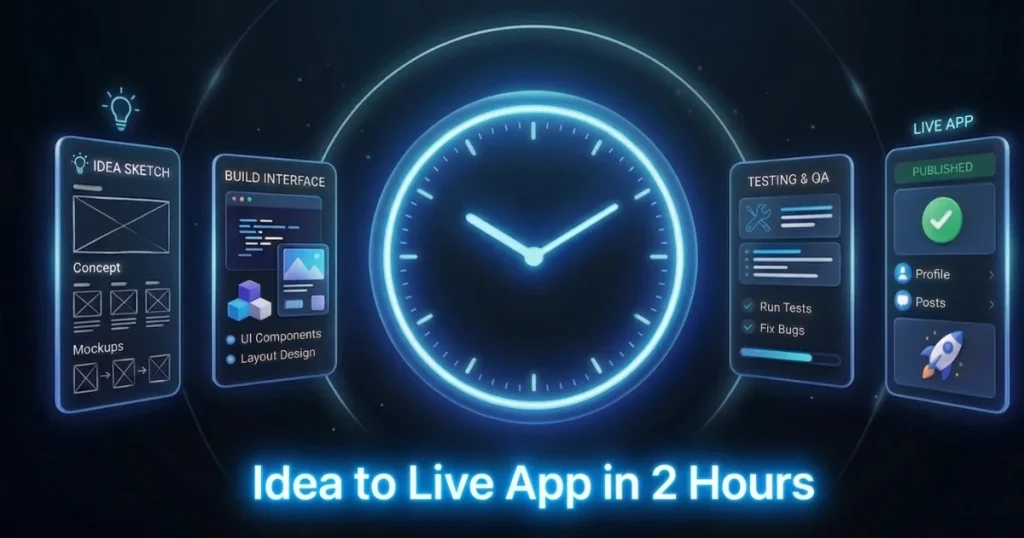
Before you open any tool, spend ten minutes getting three things clear in your head. Skipping this is the number one reason people stall halfway through building.
If you can answer those three things in a paragraph, you are ready. That paragraph will become your first prompt to the AI.
Each of these tools serves a slightly different use case. Picking the right one for your idea before you start saves significant time.
Replit is one of the most powerful AI app builders available right now. You describe your app in plain English, and Replit’s AI agent generates functional code, sets up the database, and deploys it all inside the browser with no local setup required.
It is best for: web apps, internal tools, dashboards, and anything that needs real backend logic. If your app idea involves user accounts, data storage, or custom workflows, Replit handles it with a level of sophistication that other no-code tools struggle to match.
| Feature | Details |
|---|---|
| Best For | Web apps with backend logic |
| Skill Level | Beginner friendly |
| Free Tier | Yes |
| Deployment | Built-in, one click |
| Starting Price | Free / $25 per month |
Bubble is the most established name in no-code app development, and its recent AI features have made it significantly faster to work with. You build visually dragging elements onto a canvas while AI handles suggestions, logic setup, and workflow creation.
It is best for: marketplaces, SaaS products, and more complex web apps where you want full visual control over how things look and behave. Bubble has a steeper learning curve than some other tools, but it also has the deepest customization options.
| Feature | Details |
|---|---|
| Best For | Marketplaces and SaaS apps |
| Skill Level | Beginner to intermediate |
| Free Tier | Yes |
| Deployment | Built-in |
| Starting Price | Free / $32 per month |
Glide takes a completely different approach. You connect a Google Sheet or Airtable base, and Glide turns it into a polished, functional app in minutes. No building from scratch your data is already the foundation.
It is best for: internal business tools, directories, simple client portals, inventory trackers, and any app where the data already exists in a spreadsheet. If your team lives in Google Sheets, Glide is the fastest path to a real app.
| Feature | Details |
|---|---|
| Best For | Data-driven internal tools |
| Skill Level | Complete beginner |
| Free Tier | Yes |
| Deployment | Instant |
| Starting Price | Free / $49 per month |
Lovable is built for speed above everything else. You describe your app idea in a conversation, and Lovable generates a working prototype faster than any other tool on this list. It is genuinely optimized for the “I have an idea right now, and I want to see it working today” use case.
It is best for: MVPs, quick prototypes, landing pages with app functionality, and first-time builders who want to see results fast without getting lost in settings and options.
| Feature | Details |
|---|---|
| Best For | Fast MVPs and prototypes |
| Skill Level | Complete beginner |
| Free Tier | Yes (limited) |
| Deployment | One click |
| Starting Price | Free / $20 per month |
If your idea lives on a phone, not a browser, Thunkable is the tool for it. It is built specifically for creating iOS and Android apps through a drag-and-drop interface with an AI assistant that helps you build screens, set up navigation, and connect data sources.
It is best for: mobile-first ideas like fitness trackers, community apps, local service apps, and anything where the primary experience is on a smartphone.
| Feature | Details |
|---|---|
| Best For | Mobile iOS and Android apps |
| Skill Level | Beginner friendly |
| Free Tier | Yes |
| Deployment | App store ready |
| Starting Price | Free / $21 per month |
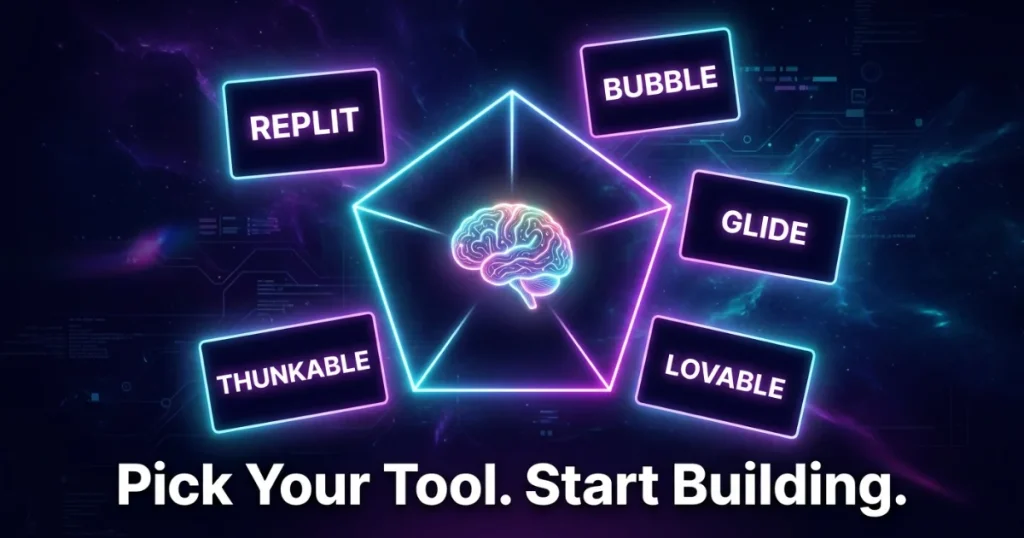
This is the part that matters most. Follow this timeline, and you will have a live app by the end of it.
Open a notes app and write one paragraph describing your app. Include: what it does, who uses it, and what the main action is. This paragraph is your first AI prompt.
Example: “I want a simple booking app for my home cleaning business. Customers should be able to pick a date, choose a service type, enter their address, and submit the booking. I should receive an email with their details.”
The more specific this is, the better your AI output will be on the first attempt.
Based on your idea, choose the right tool from the list above:
Sign up for a free account. Do not pay anything yet; every tool here has a free tier that is more than enough to get your first app live.
Paste your paragraph from step one into the AI prompt field and hit generate. What comes back will not be perfect, and that is expected. Your job in this hour is to refine it through conversation.
Think of this as a back-and-forth conversation, not a one-shot command. The more specific your feedback, the faster the app improves. Most builders find that the app is 80% right after the first prompt and fully usable after five to ten follow-up refinements.
Use the preview mode in your chosen tool to test every part of your app as a real user would. Go through the main flow from start to finish:
Write down every issue you notice and fix them one at a time through follow-up AI prompts. This is also the time to share the preview link with one other person, a friend, a family member, anyone, and ask them to try it. Fresh eyes catch things you have become blind to.
Every tool on this list has a one-click publish or deploy button. Hit it. Your app will receive a live URL that you can share immediately via link, QR code, or embed on your existing website.
For mobile apps on Thunkable, you can share a preview link without going through the app store right away. App store submission is a separate process you can do later, once you have validated the idea with real users.
Your app is live. Two hours, no code, no developer.
A freelance photographer built a client onboarding portal using Glide in under two hours. Her clients now fill out a questionnaire, sign a digital agreement, and receive their project timeline automatically without a single email being exchanged manually. She estimates it saves her four hours per new client.
A personal trainer used Lovable to build a simple workout tracker app for his clients. Members log their sessions, track progress, and message him through the app. He launched it in the afternoon and had 12 active users within the first week.
A local restaurant owner built an ordering app for his regular customers using Bubble, allowing them to pre-order their usual meals for pickup without calling in. He had no technical background and completed the first working version in a single evening.
These are not outliers. They represent exactly the kind of use case these tools were built to support.
No tool is without limits, and it is better to know these upfront than to hit a wall mid-project.
Knowing these limits helps you choose the right project to start with, one where no-code AI is the perfect fit rather than a workaround.
The barrier between having an app idea and having an actual app used to be enormous. It required money most people did not have, technical skills most people had not learned, and time most people could not spare. That barrier is gone now.
In 2026, the only thing standing between your idea and a live product is a free account and two hours of focused effort. The tools exist. The AI is capable. The results are real.
Pick your idea. Pick your tool. Open a new tab and start typing.
Your app is one weekend away.
The best time to build your app was when you first had the idea. The second best time is right now.
No. Every tool on this list was designed specifically for people without technical backgrounds. If you can type a description of what you want, you can build with these platforms.
All five tools offer free tiers that are sufficient to build and launch a basic app. Paid plans typically range from $20 to $50 per month and become necessary as your user base grows.
Yes. Many founders have built revenue-generating products on these platforms. Bubble, in particular, hosts a large number of commercial SaaS products built entirely without code.
It depends on the tool. Thunkable builds native mobile apps for both platforms. Replit, Bubble, Lovable, and Glide produce web apps that work in any mobile browser, which covers most use cases without needing app store approval.
All of these platforms support ongoing editing and expansion. You can continue refining and adding to your app after launch, the same way you built it through prompts and visual editing.
Yes. Most no-code AI platforms support integrations with common tools through native connectors or Zapier. Glide, for example, runs directly on Google Sheets as its database.
Generally yes, but check the terms of service for each platform. Some tools allow you to export your code, such as Replit and Bubble in particular. Others host your app on their infrastructure, which means your app depends on their platform remaining active.






Comments are off for this post.