





The internet is full of big flashy websites that everyone talks about. But some of the most useful tools fly under the radar, small websites that can make your life easier, help you learn something new, or boost your productivity without the clutter or endless sign-ups. In this post, we’ve rounded up 15 hidden-gem websites that deserve more attention. They’re practical, fun, and surprisingly addictive once you try them. Bookmark a few, you won’t regret it.
Hidden-gem sites are often built by small teams focused on a single, useful problem, that means cleaner UX, less fluff, and faster value. They’re where new ideas are tested, niche needs get solved, and practical shortcuts live. Exploring them helps you discover smarter workflows, increase privacy, save time on repetitive tasks, and find tools that scale with your real needs rather than force you to adapt to a large platform’s priorities.
Below are fifteen websites that prove innovation doesn’t always make headlines, sometimes it just works beautifully.
What it is: A minimalist, clean editor designed to keep you focused on writing, free from clutter, pop-ups, or unnecessary features. Perfect for long-form content, notes, and journaling without distractions.
Category: Writing / Productivity
Why it stands out:
Best for: Bloggers, authors, and anyone who needs single-task writing time.
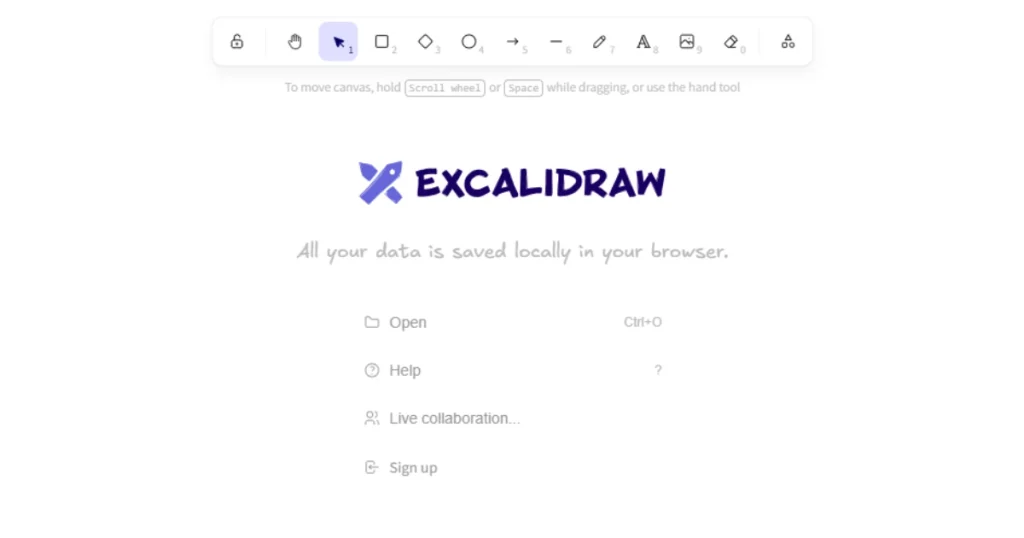
What it is: A browser-based whiteboard tool for sketching ideas, flowcharts, wireframes, and diagrams in a simple, collaborative environment with a charming hand-drawn aesthetic.
Category: Design / Collaboration
Why it stands out:
Best for: Remote teams, product thinkers, and those sketching flows on the fly.
What it is: Capture thoughts, brainstorm concepts, and organize workflows quickly with a lightweight mind-mapping tool that syncs with Google Drive and offers easy sharing.
Category: Productivity / Brainstorming
Why it stands out:
Best for: Students, content planners, and brainstorming sessions.
What it is: Minimalist publishing platform that prioritizes your writing first, perfect for personal essays, private journals, or microblogs without the distraction of themes or dashboards.
Category: Publishing / Writing
Why it stands out:
Best for: Indie writers, personal journals, experimental posts.
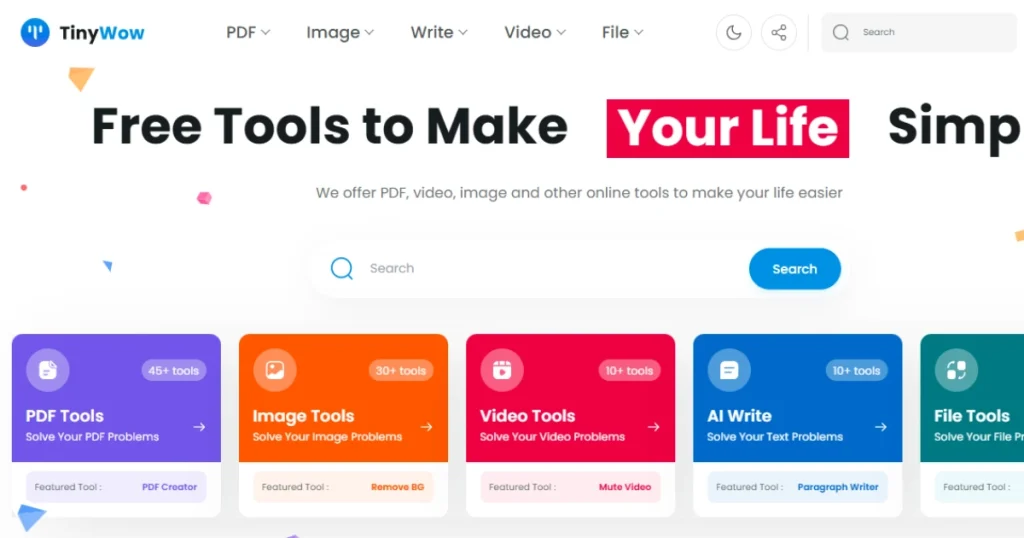
What it is: A Swiss-army-knife website offering fast, simple tools for PDFs, images, video, text, compress, convert, or edit files without navigating multiple sites.
Category: Utilities / Productivity
Why it stands out:
Best for: Freelancers, marketers, and anyone needing fast file fixes.
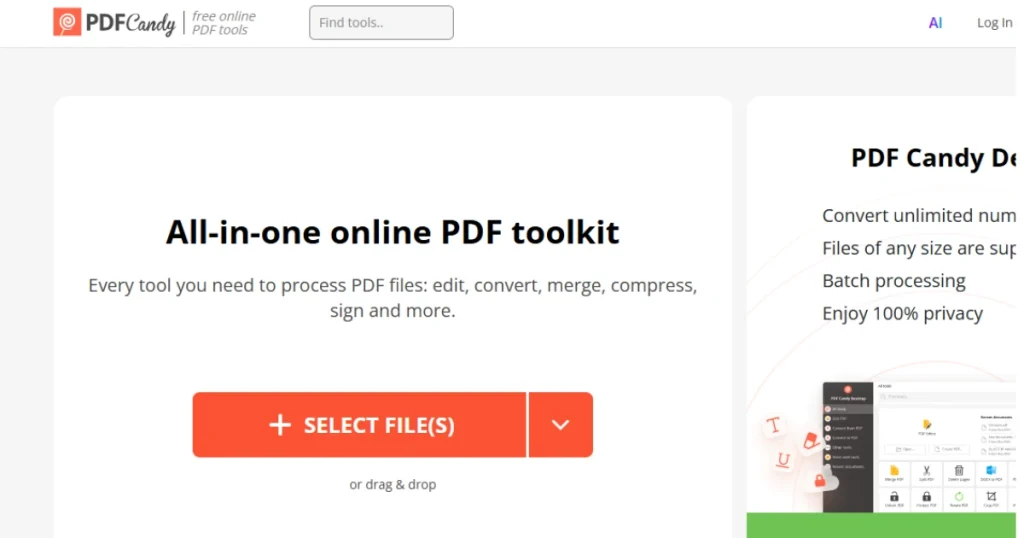
What it is: An all-in-one online PDF toolkit to merge, split, compress, and convert documents quickly and reliably for everyday PDF tasks.
Category: Utilities / Documents
Why it stands out:
Best for: Students, small businesses, and anyone who handles PDFs frequently.
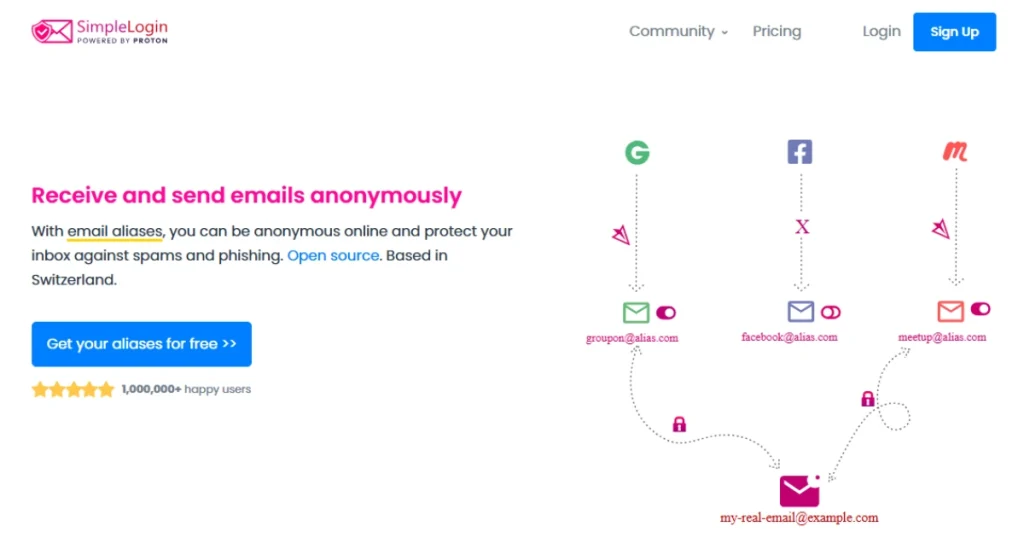
What it is: An easy-to-use privacy-focused platform for generating disposable email addresses to reduce spam and protect your real inbox while keeping control over your communication.
Category: Privacy / Security
Why it stands out:
Best for: Newsletter signups, testers, creators, and anyone who values inbox hygiene.
What it is: A browser-based whiteboard you can use immediately without signup, ideal for teaching, sketching, or remote team brainstorming sessions.
Category: Collaboration / Teaching
Why it stands out:
Best for: Educators, tutors, and quick team syncs.
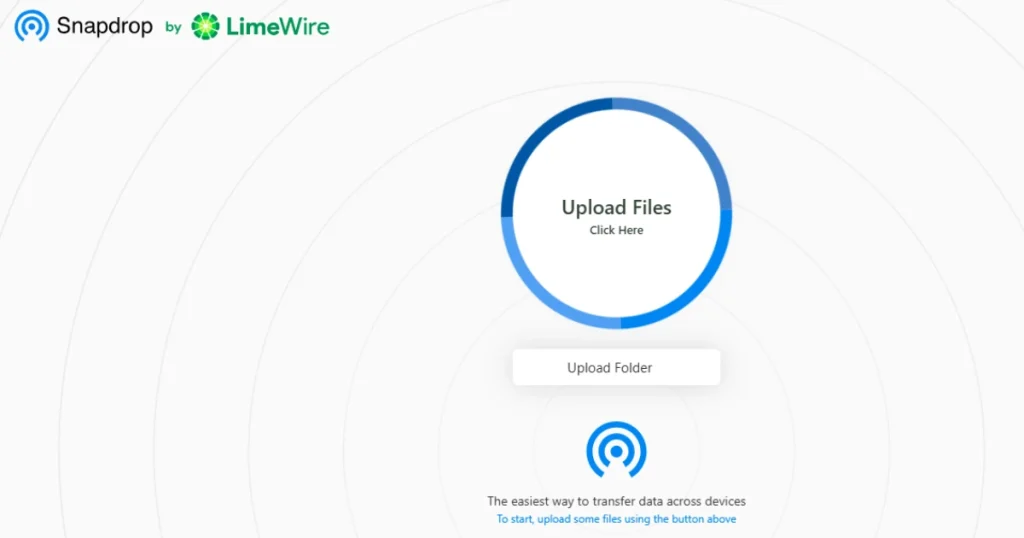
What it is: A simple, local network file-sharing tool that works across devices without apps, accounts, or cloud uploads, fast, secure, and free.
What it is: Peer-to-peer browser file transfer (AirDrop-like) that runs locally on your Wi-Fi.
Category: Utilities / File transfer
Why it stands out:
Best for: Phone/laptop transfers, quick meetings, and privacy-conscious sharing.
What it is: A beautifully simple Markdown editor with true live preview, smooth formatting, and a totally distraction-free writing flow.
Category: Writing / Markdown
Why it stands out:
Best for: Bloggers, developers, note-takers, and anyone who wants the cleanest Markdown writing experience.
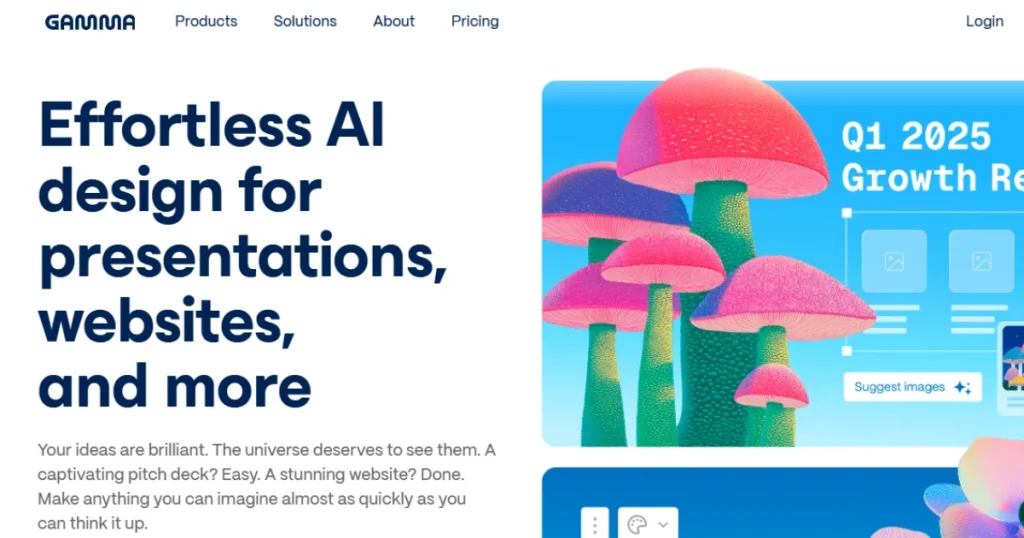
What it is: A smart tool to create beautiful, professional slides instantly using AI, generating layouts, visuals, and narratives based on your input.
Category: Creativity / AI productivity
Why it stands out:
Best for: Founders, educators, and anyone needing decks fast.
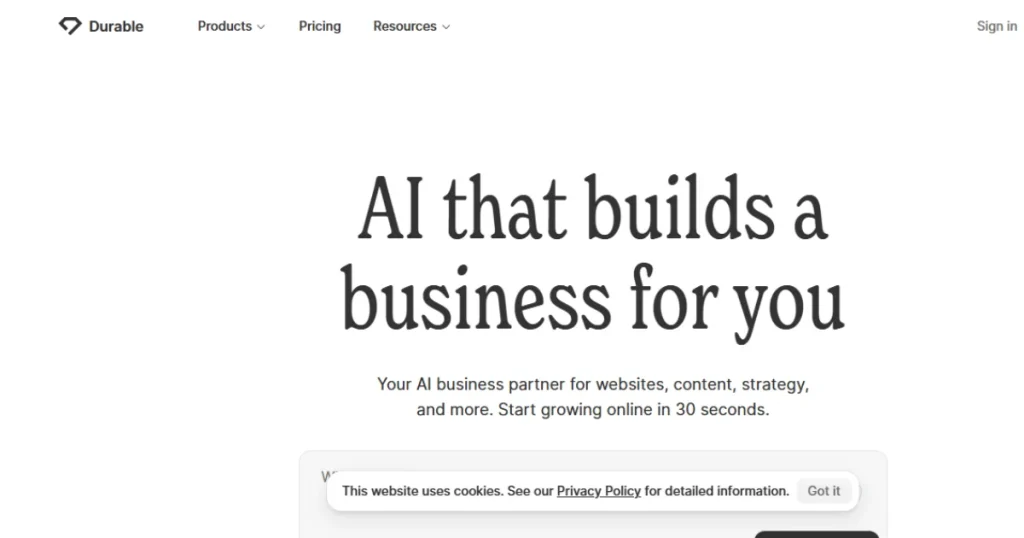
What it is: An AI-driven website builder for fast, SEO-ready sites and marketing tools, perfect for solopreneurs, portfolios, and proof-of-concept projects.
Category: Web / Small business tools
Why it stands out:
Best for: Solopreneurs, landing pages, and rapid proof-of-concept sites.
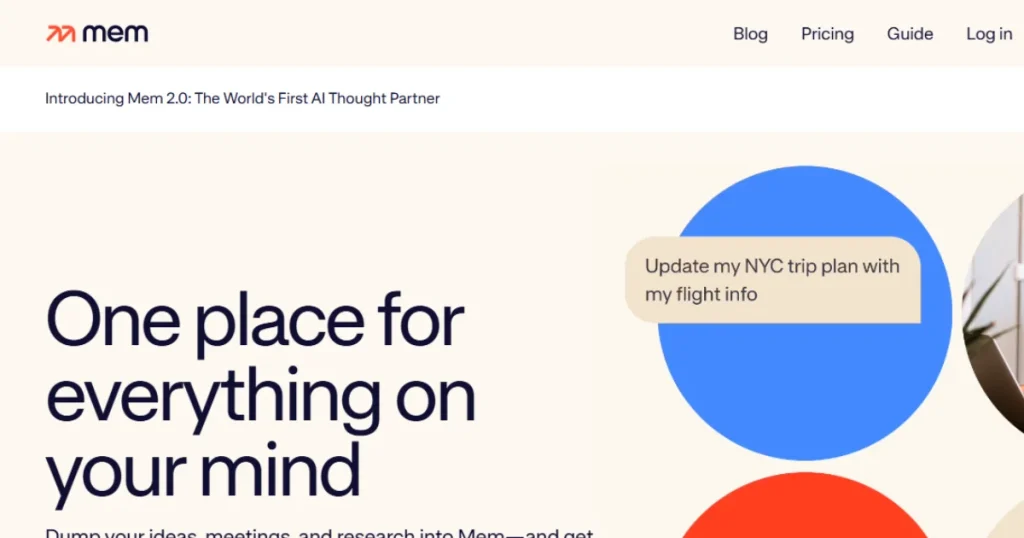
What it is: An AI-enhanced note-taking app that organizes your thoughts automatically and resurfaces relevant notes when you need them.
Category: Research / Knowledge management
Why it stands out:
Best for: Students, researchers, founders, and anyone managing lots of information.
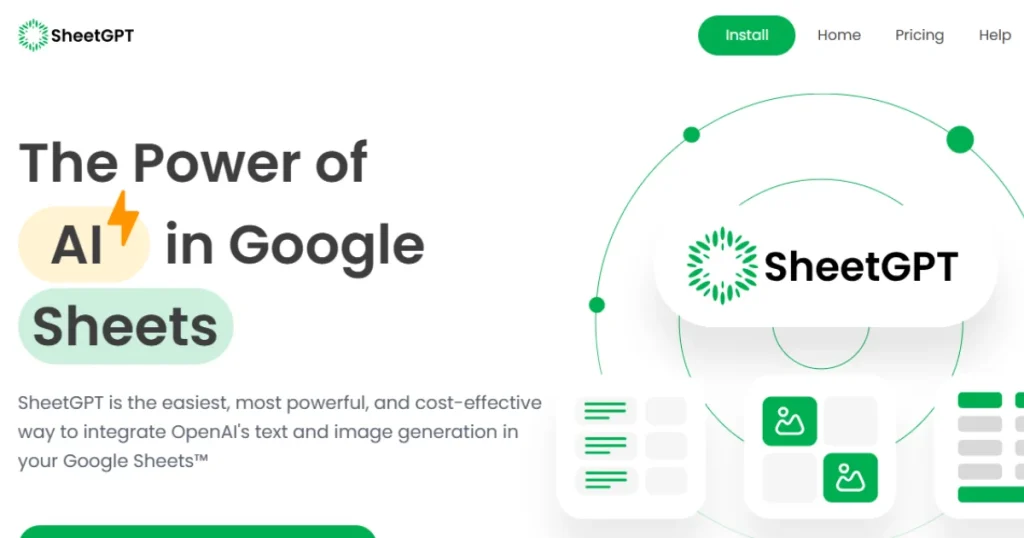
What it is: Integrates AI directly into your spreadsheets to summarize, generate, and transform data, turning Google Sheets into a productivity powerhouse.
Category: Productivity / AI tooling
Why it stands out:
Best for: Marketers, analysts, and anyone who lives in Sheets.
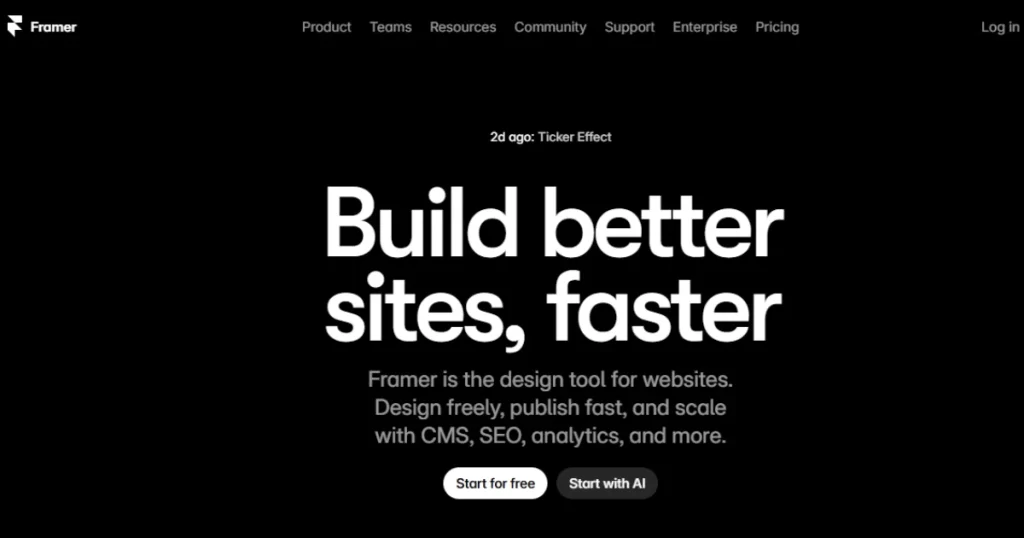
What it is: A visual website builder blending design control with AI-powered content and on-page editing for quick, polished, responsive websites.
Category: Design / Web building
Why it stands out:
Best for: Designers, agencies, and teams who value aesthetics plus speed.
Here are a few extra websites worth bookmarking if you want to go deeper:
The internet’s real magic doesn’t just happen on the front page; it hides in projects like these. The 15 hidden gems above aren’t massive yet, but they’re shaping smarter, calmer, and more personal ways to live online.
The web of 2026 will look different, more creative, more AI-enhanced, and more user-first. Each of these websites represents a quiet innovation: a new workflow, a smarter shortcut, or a fresh idea that could redefine how we browse and build.
Explore one or two that resonate with your daily routine, stay curious, and keep checking Mavensum for upcoming spotlights on rising tools, creators, and next-gen platforms. These are the discoveries that make you the trend-setter in your circle, not just a follower of the feed.





Comments are off for this post.