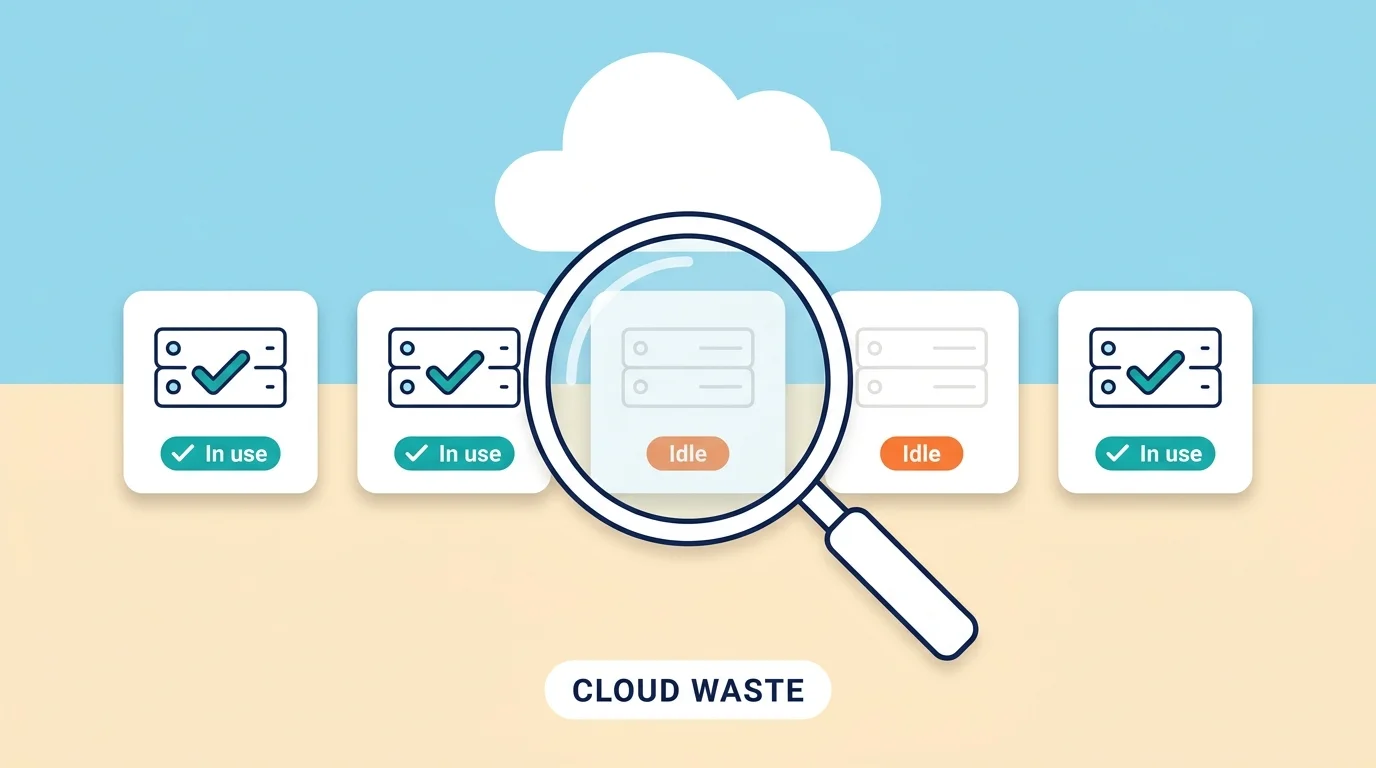
Cloud waste is money you spend on cloud services that nobody is using, or that are bigger than the job needs. A 2026 report from Flexera, a company that surveys cloud users every year, estimates that about 29 percent of cloud spending is wasted, and it is the first time that number has gone up in five years. Most of the waste comes from a few places: servers left running with no work to do, machines that are too big, old storage and backups nobody checks, test setups that never got turned off, and new AI projects whose costs are hard to predict. The fix is mostly simple habits, not expensive tools.
The cloud is just a way of renting computers, storage, and software from companies like Amazon, Microsoft, and Google over the internet. Renting is flexible, but it also makes it very easy to start something and forget about it. This guide explains in plain words where the money goes, why the waste is growing, and seven steps you can take this week to stop paying for what you do not use.
How Can You Waste Money If You Only Pay for What You Use?
This is the part that surprises most people. Cloud companies say you pay for what you use, but in practice you pay for what you start and keep running.
Think of renting a car by the day. If you pick it up on Monday and leave it parked until Friday, you still pay for five days. A cloud server works the same way. It is billed for every hour it is switched on, whether it is doing heavy work, light work, or nothing at all.
The same goes for size. You choose how big a server is when you create it, and you pay for that size even if the job only needs a small part of it. And because starting something takes two minutes while remembering to stop it takes a habit, small leftovers pile up fast.
Why Cloud Waste Is Rising Again
The table below shows the key facts from the latest research.
| What We Know | The Numbers |
|---|---|
| Estimated share of cloud spending that is wasted | About 29 percent (Flexera 2026) |
| Direction of the trend | First increase in five years, after falling for five years |
| People surveyed | 753 cloud decision-makers and users, about 62 percent in the US |
| Expected public cloud spending in 2026 | About $1.03 trillion (Forrester forecast) |
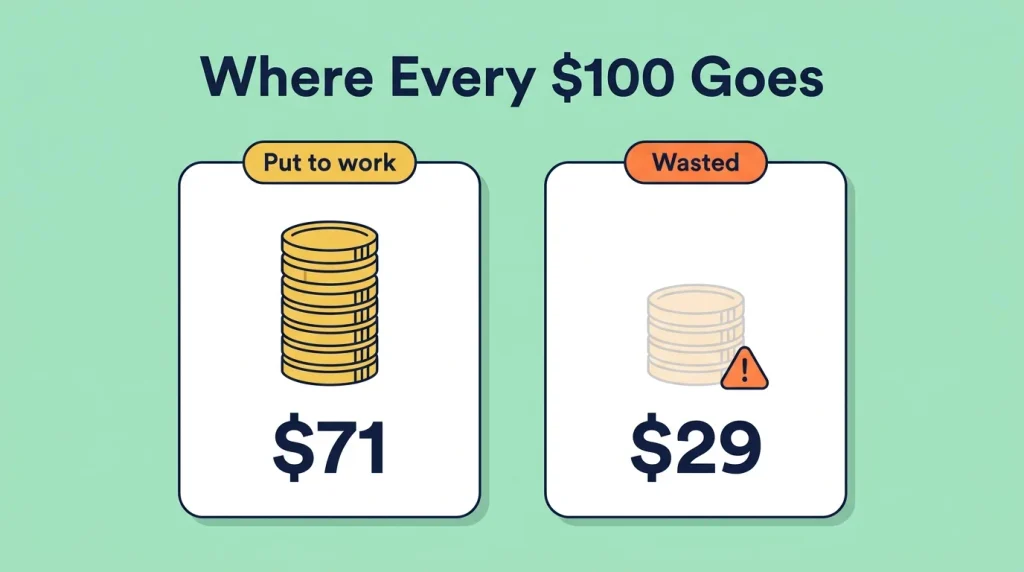
In simple terms, for every $100 spent, about $29 does no useful work. That is an estimate based on what the people surveyed reported, so your own number could be higher or lower. The direction matters more than the exact figure. For five years the waste number kept falling as companies learned to manage costs. Now it is moving up again.
Flexera points to AI work as one reason. AI projects use the cloud in ways that change from day to day, which makes costs harder to guess. The report also says that choosing the right size for each service has become harder, and that newer services come with new ways of charging, which makes bills harder to read. Put simply, the cloud got more complicated faster than most teams’ habits did.
Where the Money Actually Goes
Waste is rarely one big mistake. It is usually many small leftovers. These are the places it shows up most often.
- Servers that run all day with nothing to do. A server may have been busy during a project, then sat idle for months after it ended. It still costs money every hour.
- Machines that are bigger than the job needs. Choosing a big size “just to be safe” is common. It is like renting a moving truck to carry a backpack. If a server uses only a small part of its power most of the time, you are paying for the rest.
- Test setups left on day and night. A team works about 40 hours a week, but a week has 168 hours. A test setup that stays on all the time runs more than four times longer than anyone uses it.
- Old storage and backups. Files, copies, and backups pile up because deleting feels risky. Nobody opens them, but the storage bill arrives every month.
- Leftovers from finished projects. Disks, network addresses, and other small pieces that belonged to a project that ended can keep billing even when nothing uses them.
- Paying the full price for steady work. Providers usually charge the highest price for flexible, pay-as-you-go use, and offer lower prices if you commit to a plan for a year or more. Work that runs all day, every day, often fits a plan better. Committing too much has its own risk, since you pay even if you stop using it.
- AI experiments. AI work often runs on special, powerful machines that cost much more per hour than normal ones. They are easy to leave running after an experiment ends.
Charges for moving data in and out of the cloud add to this too. We cover those in Hidden AWS Costs Nobody Warns You About Until It’s Late.
Why Waste Is So Hard to See
Cloud bills are made to show what was used, not why. A line that says a server cost $240 does not tell you whether that server is helping a customer or sitting forgotten.
Three things make this worse:
- Nobody owns it. The person who created something may have changed teams or left the company.
- Many people can create things. When anyone can start a server in minutes, nobody has the full picture.
- Bills arrive late. You often find out about a problem weeks after it started.
This is also why finance and technical teams need to look at the same numbers. We explain that approach in our guide to what FinOps is.
How to Cut Cloud Waste in 7 Simple Steps
You do not need special software to start. These steps work for a solo builder or a small team.
- List everything you are paying for. Open your billing page and sort it by cost. Write down the top 10 items and what each one is for. You cannot fix what you cannot see.
- Put a name and an owner on everything. Add a short label to each item that says who created it and why. When a bill looks strange, you will know who to ask.
- Turn off what only runs during work hours. Test and practice setups rarely need to run at night or on weekends. Most providers let you set a schedule that switches them off and back on automatically.
- Shrink what is too big. Check how busy each server really is over a few weeks. If it stays mostly quiet, try the next smaller size. Change one thing at a time so you can see the effect.
- Delete what nobody uses. Old disks, copies, and projects that ended can usually go. Ask the owner first, and keep a backup if you are unsure.
- Set a budget alert. Most providers can send you an email when spending passes an amount you choose. It takes a few minutes to set up and warns you before a surprise grows.
- Check once a month. Pick one day each month, spend 30 minutes on the same steps, and write down what you changed. Small regular checks beat a big clean-up once a year.
Go slowly with deleting and shrinking. Turning something off for a week first is a safe way to find out whether anyone needs it. A wrong delete can cost more than months of waste.
Common Mistakes Teams Make
Most cloud waste lasts because of habits, not because of bad intentions. These are the patterns that show up most often.
- Cutting too fast. Deleting or shrinking things without asking can break something that someone depends on.
- Buying long-term discounts too early. Learn your steady usage first. A plan you do not fully use is waste with a contract attached.
- Only looking at the total. The total tells you how big the problem is, not where it is. Look at items one by one.
- Treating it as a one-time clean-up. Waste grows back as people start new things. A monthly habit works better.
- Blaming one person. Waste usually comes from missing owners and missing habits. Fix the process, not the person.
Frequently Asked Questions
What is cloud waste?
Cloud waste is spending on cloud services that are not being used, or that are bigger than the work needs. Common examples are idle servers, oversized machines, old backups, and test setups that were never turned off.
How much cloud spending is wasted?
Flexera’s 2026 report estimates about 29 percent. This comes from a survey of cloud users, so it is an estimate and not an exact measurement. Your own number depends on how closely you watch your spending.
Why is cloud waste rising?
Flexera says AI work is making usage harder to predict, choosing the right size is getting harder, and new pricing methods make bills harder to read. More services and more people creating things also add to the problem.
Is cloud waste only a problem for big companies?
No. Small teams and solo builders feel it too, and often more, because each dollar matters more and fewer people are watching the bill. The same habits help at any size.
How do I find unused cloud resources?
Start with your billing page and sort by cost. Look for servers that stay quiet most of the time, disks that are not attached to anything, old backups, and test projects. Most providers also have a cost page that points out unused items.
Is it safe to turn off or delete cloud resources?
It is safe if you go slowly. Ask the owner first, make a backup if you are unsure, and turn the item off for a week before deleting it. If nothing breaks, you can delete it with more confidence.
Review Your Three Biggest Charges
Set aside 15 minutes today. Open your latest cloud bill, sort it by cost, and look at the three biggest items. For each one, ask two questions: does anyone still use this, and does it really need to be this big?
If something looks unneeded, turn it off for a week before you delete it. Then add a reminder to your calendar for the same day next month. Waste grows quietly, so looking at the bill on a schedule works better than looking only when something goes wrong.