




Most app ideas never become real because people think the first step is too expensive.
They imagine hiring a developer, buying hosting, learning code, designing screens, setting up a database, and spending weeks just to see if the idea even makes sense.
But for a small idea, you do not need all of that.
Sometimes you only need a simple version. A booking form. A small directory. A client portal. A tracker. A basic dashboard. A page where users can submit information and get something useful back.
That is where free app-making websites can help. They are not perfect, and most of them have limits, but they are good enough to test whether your idea is worth building properly later.
This article is not about creating the next billion-dollar app overnight. It is about taking a simple idea out of your head and turning it into something people can actually open, click, and use.
A simple app does one useful thing clearly.
It does not need ten features. It does not need a perfect design. It does not need a custom domain on day one.
For example, a simple app could be:
These are not huge apps, but they can still solve real problems.
The best first app idea is usually boring and useful. If someone can understand what it does in five seconds, you are already on the right path.
Before opening any tool, write your idea in one paragraph.
Do not start with the platform. Start with the problem.
For example:
“I want to create a simple booking app for a photography service. Visitors should choose a session type, enter their name and contact details, pick a preferred date, and send the request.”
That is clear.
A weak version would be:
“I want to make an app for my business.”
That is too vague. The tool will not know what to build, and you will waste time fixing things that could have been clear from the beginning.
A good idea description should include three things:
Once you know that, choosing the right website becomes much easier.
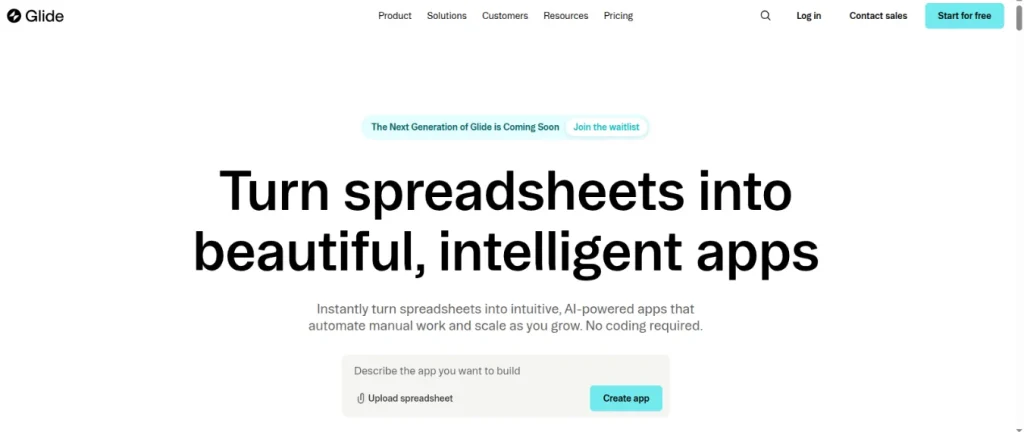
Glide is one of the easiest websites for turning simple data into an app.
It works especially well if your idea is based on lists, tables, records, or directories. For example, if you have information in a spreadsheet, Glide can turn it into a clean-looking web app without much setup.
This makes it useful for things like:
The best part about Glide is that the design looks polished quickly. You do not need to spend hours arranging every small detail. If your data is organized well, the app starts to look usable fast.
The downside is that Glide is not ideal if you want full creative control. It gives you a clean structure, but you are still working inside its system.
Use Glide if your app idea starts with data.
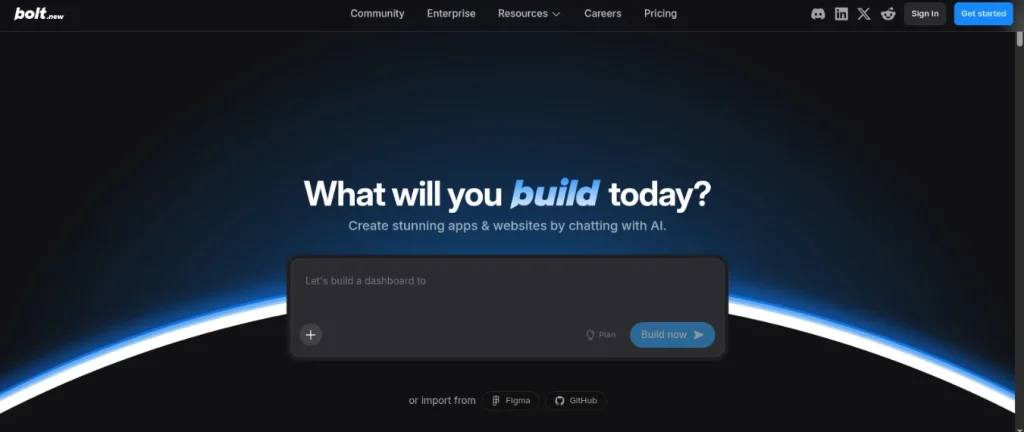
Bolt is useful when you want to describe an idea and see a working version quickly.
Instead of building everything manually, you type what you want, and Bolt creates the first version in the browser. It is better for people who want to experiment fast and see what an idea could look like as an actual web app.
For example, you could ask it to create:
Bolt feels more flexible than some beginner app builders, but that also means the results may need more checking. Sometimes the first version looks good but still needs fixing, testing, or simplifying.
Use Bolt if you want to move from idea to first draft quickly.
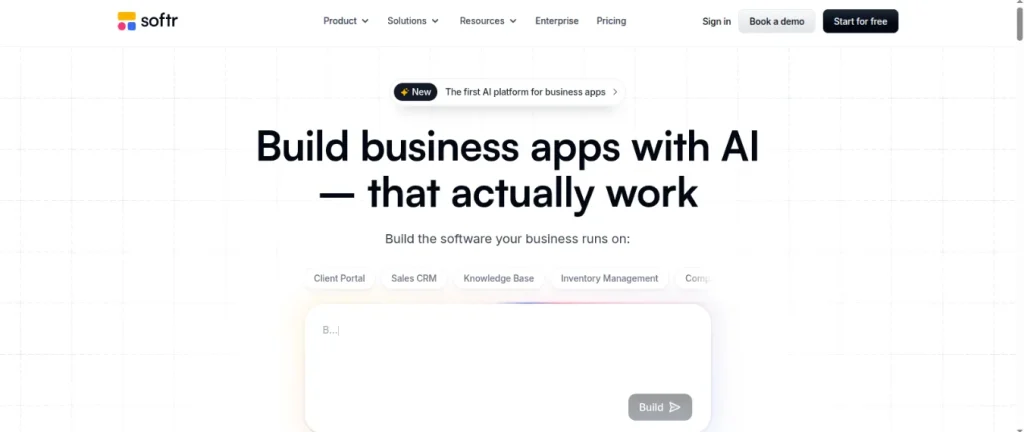
Softr is good for creating business-style apps from existing data.
It works well for client portals, internal tools, directories, and member-only pages. If your idea feels more like a private business tool than a public app, Softr is worth exploring.
For example, you could use Softr for:
Softr is especially useful if your app needs different sections for different users. It feels more structured than playful, which is good for business use cases.
The free plan has limits, so it is better for testing the idea than running a serious business system long-term.
Use Softr if your idea is a portal, dashboard, or directory.
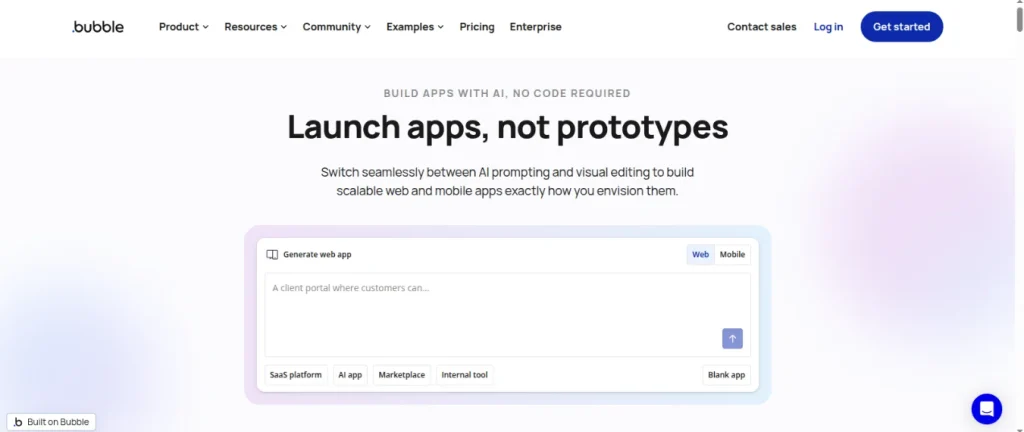
Bubble is more powerful than most beginner tools, but it also takes more patience.
It is better for complex ideas where users need accounts, workflows, conditions, payments, dashboards, or custom actions. If your app idea has many moving parts, Bubble can probably handle more than simpler tools.
But for a first app, Bubble can feel heavy.
You may spend more time learning the platform than testing the idea. That is not always bad, but it depends on your goal. If you want to quickly test a small idea, Bubble might be too much. If you want to build something serious later, it can be a strong option.
Bubble is useful for:
Use Bubble if your idea is bigger than a simple form or directory, and you are willing to learn.
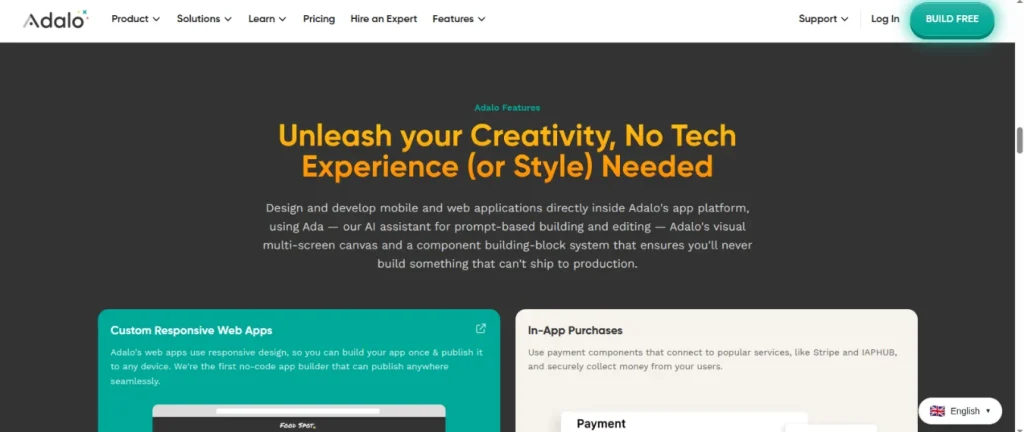
Adalo is focused more on mobile-style apps.
If your idea looks like something people would use on a phone, Adalo may feel more natural than some web-first platforms. It lets you design screens, add buttons, create simple databases, and connect actions between pages.
It can be useful for:
Adalo is not the fastest option for every beginner, but it gives you a more app-like feeling. If you care about screens, navigation, and mobile layout, it is worth testing.
The free version is better for experimenting than launching something serious, but that is enough for a first test.
Use Adalo if your idea feels like a phone app.
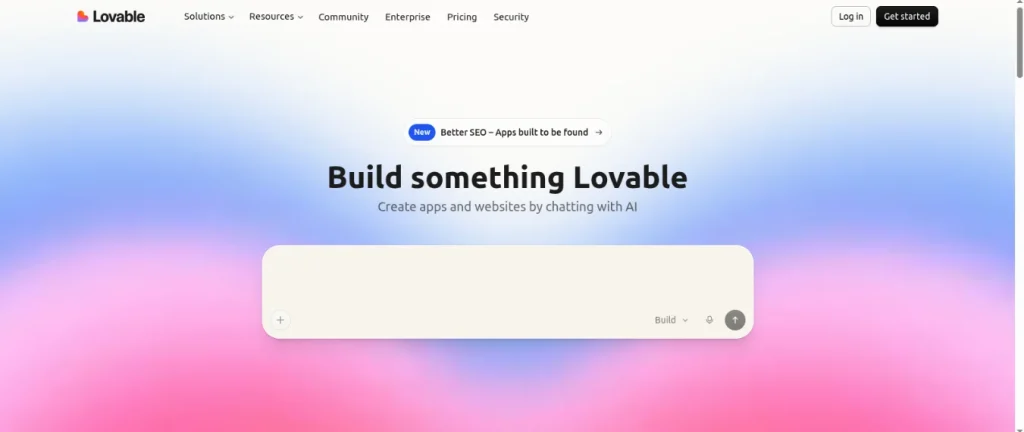
Lovable is useful for people who want a polished web app from a written idea.
You describe what you want, and it creates a more complete-looking web app. It can feel impressive because the first version often looks better than expected.
Lovable is good for:
The interesting part is that Lovable is closer to real app development than some basic drag-and-drop tools. That can be useful if you want to show the idea to someone technical later or continue improving it.
But like all AI-based builders, you still need to test carefully. A good-looking app is not always a finished app.
Use Lovable if you want a polished prototype of a web app idea.
| Website | Best For | Good First Idea |
| Glide | Data-based apps | Directory, tracker, catalog |
| Bolt | Fast web app drafts | Simple tool, dashboard, form |
| Softr | Portals and business tools | Client portal, resource hub |
| Bubble | More complex apps | Marketplace, SaaS idea |
| Adalo | Mobile-style apps | Booking app, event app |
| Lovable | Polished prototypes | Startup demo, web app concept |
If your idea is based on a spreadsheet or list, start with Glide.
If you want to quickly see a working version from a written idea, try Bolt.
If your idea is a client portal, dashboard, or resource hub, try Softr.
If you want a more advanced app with user accounts and workflows, try Bubble.
If your idea feels like a mobile app, try Adalo.
If you want something that looks polished quickly, try Lovable.
The best tool depends on the idea. Do not choose the most popular one. Choose the one that matches the simplest version of what you want to make.
Free plans are useful, but they are not magic.
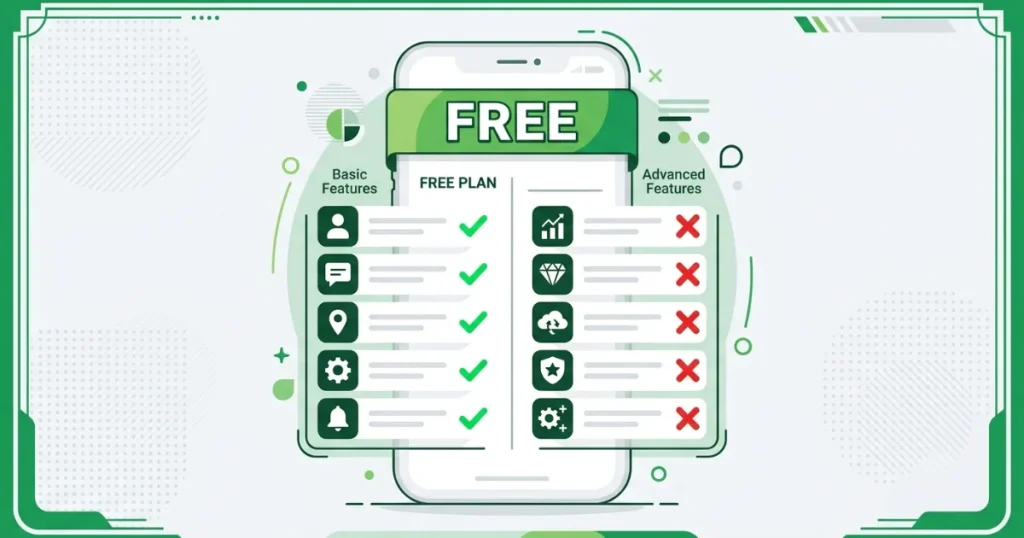
You can usually build and test a simple version of your app. You may get a preview link, a public link, or a limited number of users depending on the platform.
But free plans often limit things like:
That is normal.
The point of using a free plan is not to build the final version. The point is to test whether the idea makes sense before spending money.
If five real people use your simple version and understand it, that is already valuable feedback.
After choosing a website, do not try to build everything at once.
Start with one main action.
For example:
Build only that first.
Then share the app with a few people and ask one simple question:
“Was anything confusing?”
That question is more useful than asking, “Do you like it?”
People may say they like something just to be polite. But if they tell you where they got confused, you know what to fix.
Do not upgrade just because a platform tells you to.
Upgrade only when a real limit is blocking you.
For example, upgrading makes sense when:
Until then, stay free and keep testing.
A simple app with real feedback is better than an expensive app nobody uses.
You do not need a perfect plan to test an app idea.
You need a clear problem, a simple first version, and a few real people willing to try it.
These free websites make that possible. They let you turn an idea into something visible without spending money upfront. Some are better for directories. Some are better for mobile-style apps. Some are better for polished prototypes.
The smartest move is to start small.
Pick one idea. Write it clearly. Choose the website that fits it best. Build the simplest version. Share it with a few people. Improve it from there.
That is how most useful apps begin.
No. If you can describe what you want in plain English, you can build an app on any of the platforms listed above. The AI handles the technical work.
A simple booking form or intake app takes between one and three hours from blank screen to live link. More complex apps with multiple screens, logic, and user roles can take a full day of refinement.
Web-based apps built with AI app builders work in any mobile browser on both iPhone and Android without any app store approval. If you specifically want your app listed in the Apple App Store or Google Play, Adalo is the only major no-code platform that supports this on a standard paid plan.
On free plans, your app stays live as long as you remain within the platform’s free-tier limits. Always check each platform’s terms of service for data export options before committing.
Yes, though it typically means rebuilding your screens since platforms use different architectures. Lovable is the best option if you want future flexibility, as it exports your complete code to GitHub, so you are never fully locked in.
The data suggests yes. The market is projected to grow from $65 billion in 2026 to $187 billion by 2030. Major enterprise adoption, continued AI investment, and the structural developer shortage all point toward long-term expansion, not contraction.Share
Glide lets you publish one web app for up to 10 users at no cost. Bolt publishes with a free tier but includes a visible platform badge. Most others, including Bubble and Adalo, require a paid plan to go live with a public URL.





Comments are off for this post.