





The internet is filled with powerful business tools that most entrepreneurs never discover. These online-only platforms can automate work, boost productivity, and simplify daily operations in ways traditional software can’t match. Exploring them can open new possibilities, reduce manual effort, and give your business a sharper digital edge in today’s competitive world. As more businesses shift online, these tools become essential for staying efficient. The more you explore, the more opportunities you unlock for smarter growth and better performance.
These business tools offer faster, simpler, and more efficient ways to manage your daily operations. They help reduce manual work, automate routine tasks, and give you clearer insights into your business. Exploring these tools ensures you stay competitive, save valuable time, and take advantage of modern solutions that can improve productivity and support long-term growth.
Here are ten unique and highly effective online-only tools that can strengthen your business, improve workflows, and offer fresh ways to grow without requiring expensive software or complex setups.
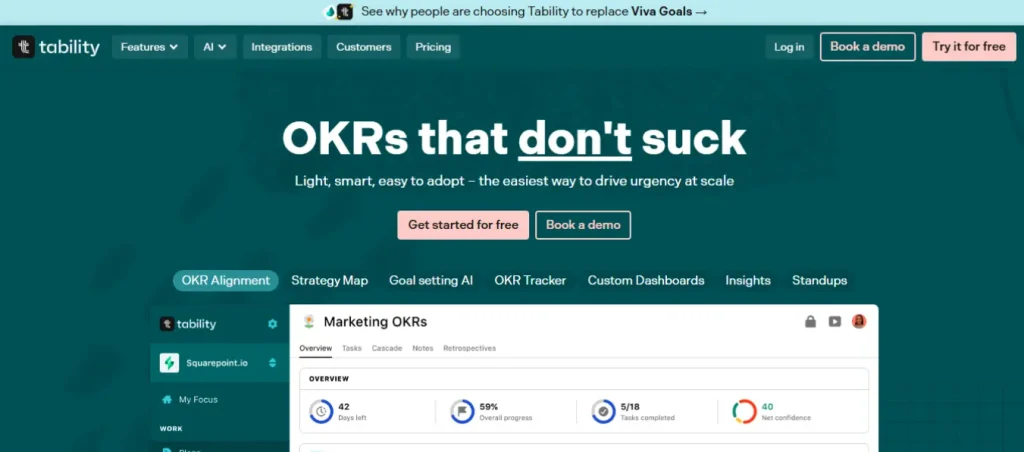
What It Does: Tability helps teams set clear goals, track progress, and stay aligned without relying on spreadsheets or complicated dashboards. It simplifies weekly check-ins so everyone knows exactly where projects stand and what needs attention.
Category: Productivity / OKRs
Why It Stands Out:
Best For: Teams, startups, goal-oriented planners, and progress trackers.
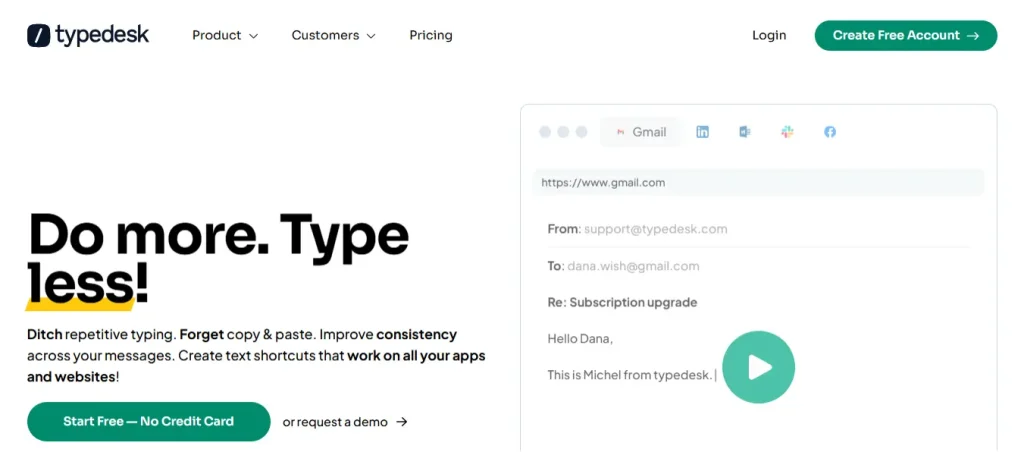
What It Does: Typedesk lets you create reusable text templates that work across emails, chats, helpdesks, and almost any online platform. It saves time by allowing you to insert detailed replies with a single shortcut instead of typing the same messages repeatedly.
Category: Communication / Automation
Why It Stands Out:
Best For: Support teams, freelancers, and fast-communication enthusiasts.
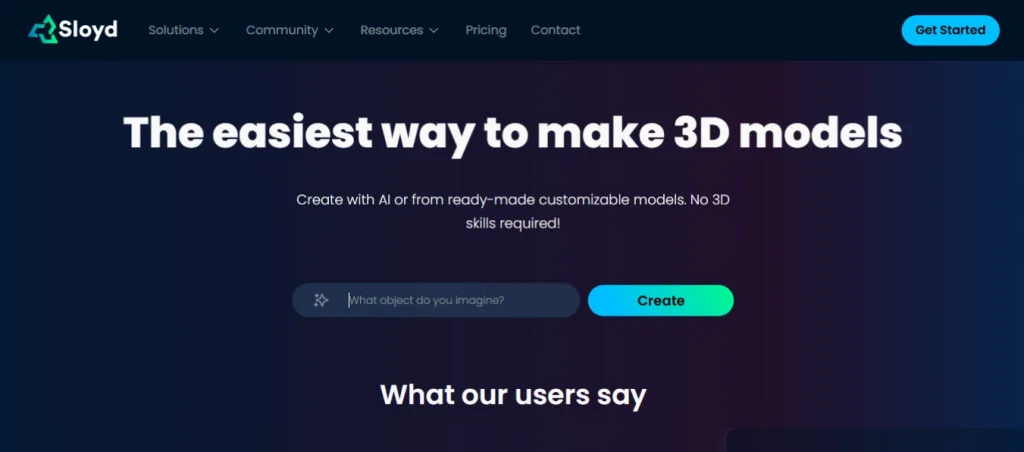
What It Does: Sloyd uses AI to instantly create 3D models based on simple prompts or selections. You can generate objects, modify shapes, and export them for apps, games, or product visuals without needing advanced modeling knowledge.
Category: Design / AI
Why It Stands Out:
Best For: Designers, developers, and creative 3D makers.
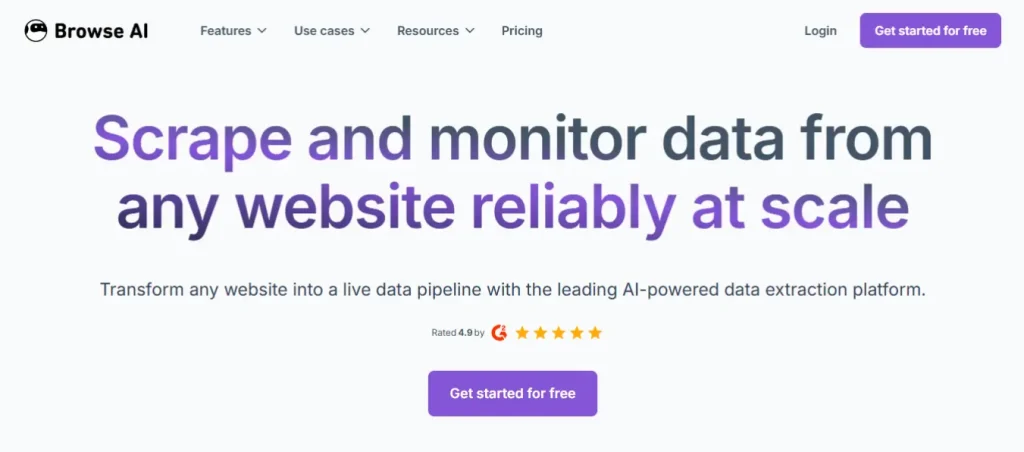
What It Does: Browse AI lets you capture data from any website and turn it into live, automatically updated spreadsheets. You can set up monitoring robots that track prices, product changes, financial trends, or competitor activity in real time.
Category: Automation / Data
Why It Stands Out:
Best For: Researchers, e-commerce owners, and data automation fans.
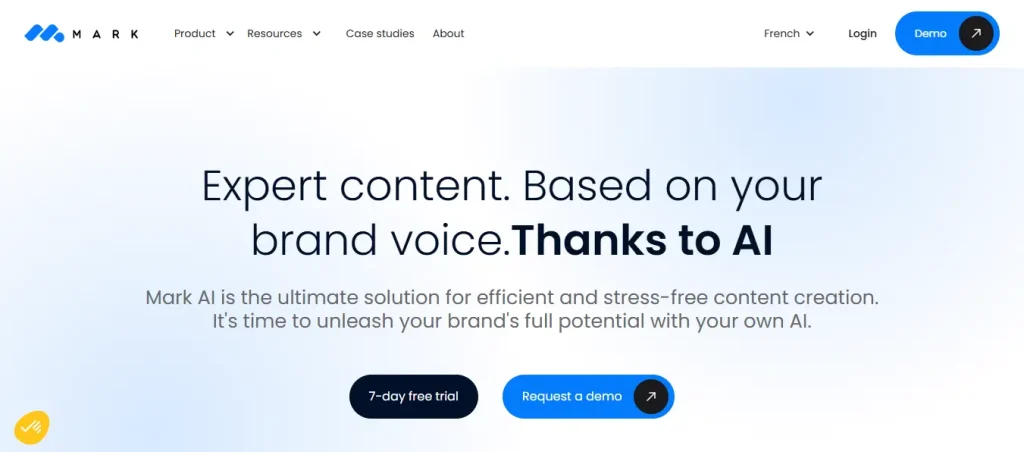
What It Does: MarkCopy AI creates SEO-optimized content, blog posts, product descriptions, and LinkedIn updates with natural tone control. It helps marketers draft high-quality copy quickly while maintaining brand voice and clarity.
Category: Marketing / Content
Why It Stands Out:
Best For: Bloggers, agencies, and content creators looking for SEO-ready content.
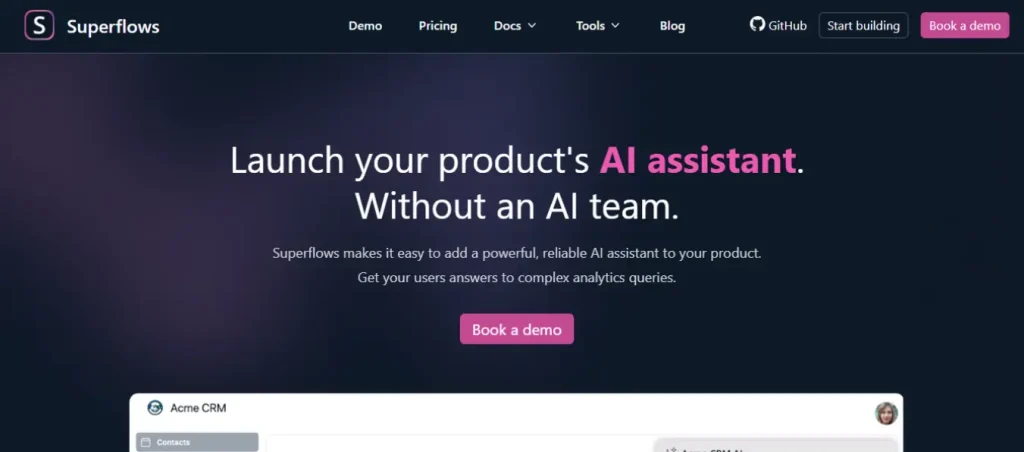
What It Does: Superflows analyzes your inbox, understands ongoing conversations, and drafts intelligent replies you can send instantly. It reduces the back-and-forth of email writing and helps you maintain fast, professional communication.
Category: Productivity / AI
Why It Stands Out:
Best For: Executives, founders, and professionals streamlining emails.
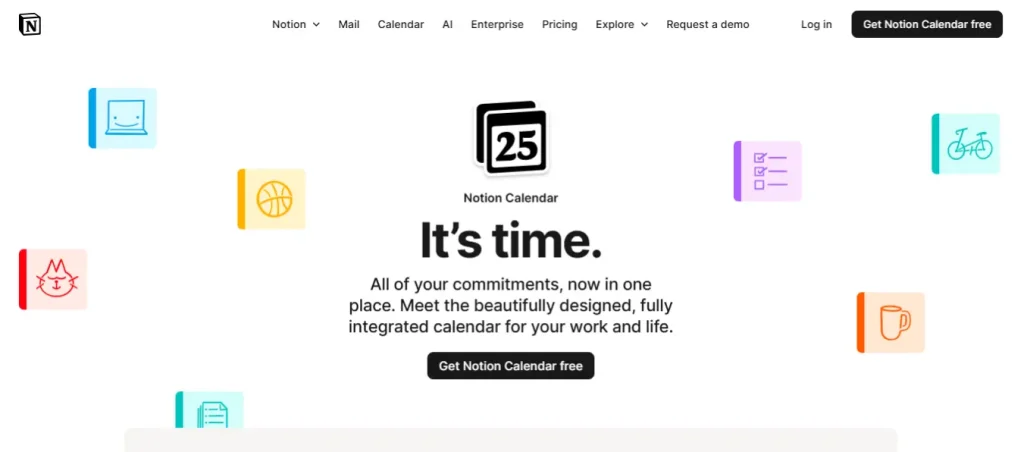
What It Does: Notion Calendar connects your tasks, projects, and events in one clean interface. It syncs with Google Calendar and Notion workspaces so teams can manage schedules, deadlines, and project timelines without switching between multiple apps.
Category: Organization / Productivity
Why It Stands Out:
Best For: Teams, freelancers, and productivity-focused organizers.
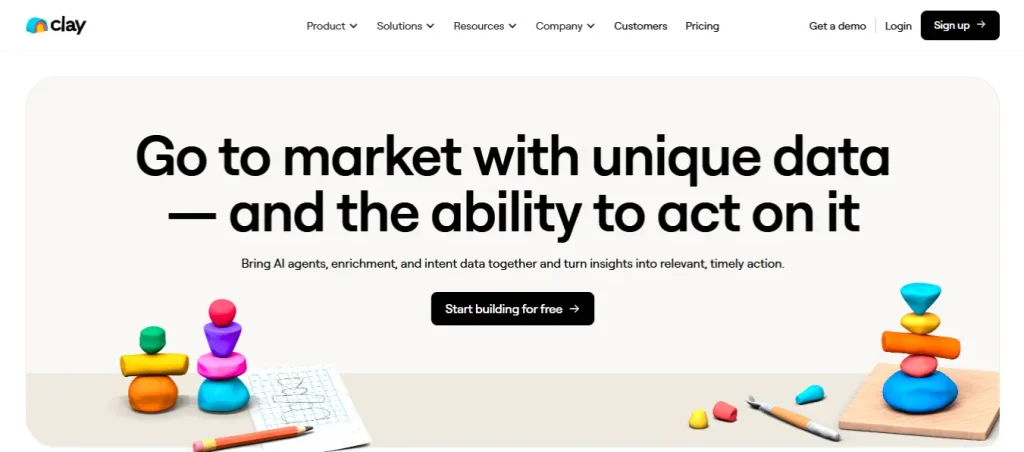
What It Does: Clay gathers leads from multiple sources, enriches profiles with relevant data, and sends personalized outreach messages automatically. It replaces hours of research and manual personalization with a streamlined, automated workflow.
Category: Sales / Lead Generation
Why It Stands Out:
Best For: Sales teams, startups, and outreach efficiency seekers.
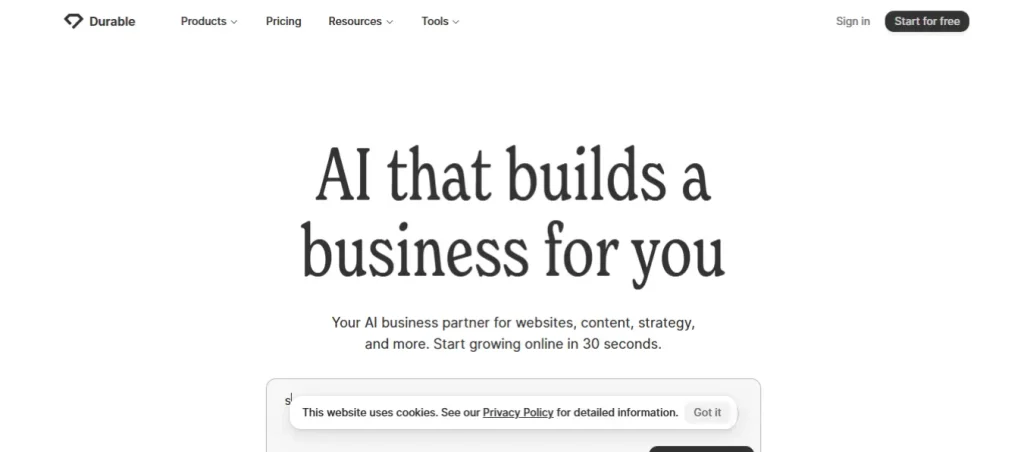
What It Does: Durable builds full business websites in seconds using AI that writes your text, chooses images, and designs layouts. It offers simple editing tools so small businesses can launch an online presence instantly.
Category: Business Setup / AI
Why It Stands Out:
Best For: Entrepreneurs, small businesses, and fast website builders.
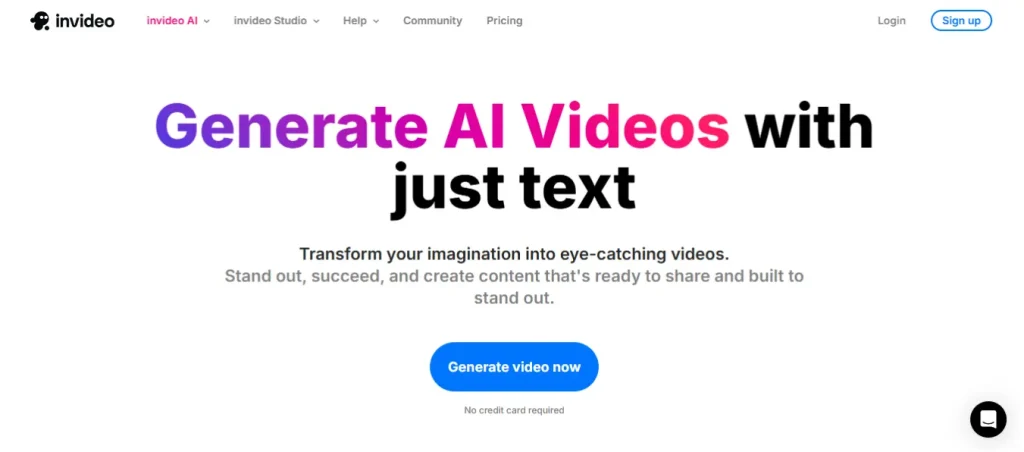
What It Does: Invideo converts scripts or ideas into polished marketing videos using AI-generated scenes and thousands of templates. You can edit everything directly from your browser without downloading heavy software.
Category: Marketing / Video
Why It Stands Out:
Best For: Creators, marketers, and anyone making polished videos quickly.
These bonus tools may not have full sections, but they’re powerful, handy, and worth a quick click to discover:
The digital world keeps evolving, and the smartest businesses are the ones that evolve with it. By exploring lesser-known online tools, you unlock time-saving shortcuts, creative solutions, and new levels of productivity that traditional software often fails to offer. These platforms help you simplify operations, automate daily work, and stay ahead of competitors who still rely on outdated methods.
Even adopting just one or two of these tools can transform how you manage tasks, communicate, and grow your business. Staying curious and open to new digital resources is one of the best advantages you can give yourself in today’s fast-moving online landscape.












Comments are off for this post.